
_1777370155750_318096895.jpg&w=48&q=75)
_1777370155750_318096895.jpg&w=3840&q=75)



_1777370074079_638186083.jpg&w=48&q=75)


iOS 27 Troubleshooting Guide
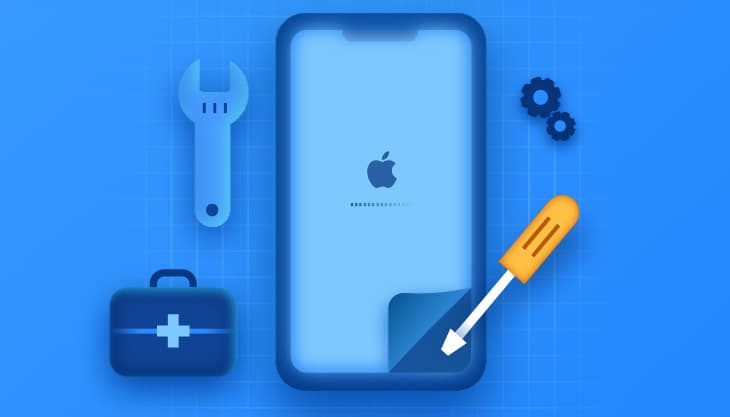
The article discusses potential issues that may arise on iPhone devices after updating to iOS 27, along with how to diagnose and resolve them. It explains that some malfunctions, such as the device getting stuck on the Apple logo, unresponsive screens, battery drain, or charging problems, may be caused by system file errors or incomplete updates, rather than physical hardware faults. The article provides effective troubleshooting steps, including force restarting the device, entering recovery mode, and using software tools like Tenorshare ReiBoot to fix system files without data loss. It also clarifies when to seek service centers if hardware components are damaged. The recommendations are based on proper diagnosis, starting from simple solutions to more complex ones, to ensure the device's stability and performance after the update.
تنويه: هذا ملخص تم إنشاؤه بواسطة الذكاء الاصطناعي
comments.heading